
Affiliate Disclosure
Some links on this page are affiliate links. As an Amazon Associate, we earn from qualifying purchases — at no extra cost to you. We do not buy, test, or physically handle the products we cover; our rankings come from aggregated owner reviews, ratings and expert consensus. Commissions never change our verdicts. How we rank & full disclosure.
You've cleared the fault code, the check engine light is off, and you're confident the car is running fine. You roll up to the inspection station, plug in the inspector's scanner — and you fail. Not because of a code. Because of incomplete readiness monitors.
This catches people off guard all the time, and it's one of the most avoidable inspection failures out there. Understanding how OBD2 readiness monitors work — and how to make sure they're all set before you book your smog check — will save you a wasted trip, a re-inspection fee, and a fair bit of frustration.
What Are OBD2 Readiness Monitors?
Every OBD2-equipped vehicle (broadly, anything manufactured from 1996 onwards in the US, and most imports from the mid-to-late 1990s) has a set of built-in self-tests that the ECU runs continuously as you drive. These are called I/M readiness monitors — short for Inspection and Maintenance.
Each monitor is responsible for testing a specific emissions-related system. Once the ECU has gathered enough data under the right driving conditions, it marks that monitor as Ready (also shown as Complete). If it hasn't run the test yet, the monitor reads Not Ready (or Incomplete).
The monitors you'll typically see on a scan tool include:
- Catalyst (CAT) — Tests whether the catalytic converter is operating efficiently enough to reduce emissions
- EVAP (Evaporative Emission Control) — Checks for fuel vapor leaks in the sealed fuel system
- O2 Sensor — Verifies the upstream oxygen sensors are responding correctly
- O2 Sensor Heater — Tests the heating element inside the oxygen sensor that helps it reach operating temperature quickly
- EGR (Exhaust Gas Recirculation) — Monitors the EGR system's ability to recirculate exhaust gases to reduce NOx emissions
- Misfire Monitor — Continuously checks for engine misfires that could damage the catalyst or spike emissions
- Fuel System Monitor — Evaluates the fuel delivery system, including injectors and fuel trim behavior
- Secondary Air System — Tests the air injection system if your vehicle has one
- Heated Catalyst — Relevant to vehicles with electrically heated catalytic converters
- A/C Refrigerant — Present on some vehicles to monitor refrigerant levels for leak detection
Not every monitor will appear on every vehicle. Misfire, fuel system, and comprehensive component monitors are continuous monitors — they run all the time. The rest are non-continuous monitors that only run under specific driving conditions. Your scan tool will only display the monitors that are applicable to your particular vehicle.
Why Clearing Codes Resets Your Monitors
Here's where most people get caught out. When you clear a fault code using a scan tool or code reader, the ECU doesn't just delete the code — it wipes all readiness monitor data at the same time. Every monitor resets to Not Ready.
The same thing happens when you disconnect the battery. Many people disconnect the negative terminal thinking it'll reset the check engine light and that's that. It does reset the light — but it also clears all the monitors. The ECU effectively loses its memory of having run any of those self-tests.
This is why the classic advice of "just clear the code and take it for a drive" can still leave you failing an inspection. The light's off, there are no stored codes, but the monitors haven't had a chance to complete. To an inspector's scanner, that looks suspicious — because it is. It's one of the most common signs that someone has recently cleared codes to mask a problem.
You can read more about how different code types behave — and why some codes come back — in our guide to pending, stored, and permanent codes.
Why Incomplete Monitors Can Fail Your Inspection
Emissions inspections don't just check whether you have active fault codes. They also check how many readiness monitors are in a Not Ready state. The reasoning is straightforward: if the ECU hasn't completed its self-tests, the inspector can't confirm the vehicle's emissions systems are functioning properly — even if no codes are present.
The thresholds vary by location and vehicle age:
- United States (most states) — For 1996–2000 vehicles, typically 2 incomplete non-continuous monitors are allowed. For 2001 and newer, most states allow only 1 incomplete non-continuous monitor. The EVAP monitor is often treated leniently due to how difficult it is to set reliably. Misfire and fuel system (continuous monitors) must always be Ready.
- California & CARB-aligned states — California runs one of the strictest Smog Check programs in the country, administered by the Bureau of Automotive Repair under CARB standards, and a number of other states have adopted California's emissions rules. In these states OBD2 readiness is interrogated directly, and even a single incomplete monitor over the allowance is an automatic fail. If you're unsure of your state's specific standards, check with your local DMV or smog station before you book.
If your vehicle is a JDM import running Japanese-market ECU software, the monitor set and OBD2 compliance can behave differently. Our dedicated guide on OBD2 on JDM imports covers what to expect and how to handle quirks specific to imported vehicles.
The bottom line: don't assume a clear light and no codes means you'll pass. Check your monitors first.
How to Set Readiness Monitors: The Drive Cycle
Getting all your monitors to a Ready state requires a drive cycle — a specific sequence of driving conditions that gives the ECU the opportunity to run its tests. There is a general OBD2 drive cycle that works for most vehicles, but manufacturer-specific drive cycles also exist and will set monitors faster and more reliably on a particular make and model. If you're in a hurry, it's worth looking up the specific cycle for your vehicle in the factory service manual or a model-specific forum.
The general drive cycle works like this:
- Cold start — Begin with the engine fully cold (ideally overnight). Start the engine and let it idle for two to three minutes without switching on accessories. This allows the O2 sensor heater and other cold-start monitors to run.
- Steady low-speed cruise — Drive at a steady 25–40 mph for approximately five minutes without significant throttle variation. Avoid heavy acceleration or braking.
- Highway cruise — Increase speed to 50–60 mph and hold a steady cruise for five to seven minutes. This is critical for the catalyst monitor and O2 sensor monitor to complete.
- Light deceleration — Ease off the throttle gradually (without braking) to allow the ECU to run deceleration tests. Don't clutch-in early or coast aggressively.
- Mixed city driving — Return to stop-start urban driving for five to ten minutes, varying speed between 20–40 mph with moderate acceleration and braking.
- Final idle — Pull over and let the engine idle for two to three minutes before switching off.
The EVAP monitor is often the last to set and the most stubborn. It typically runs at a very specific fuel level (usually between one-quarter and three-quarters of a tank) and requires the vehicle to sit with the engine off for a set period before the test triggers. If EVAP remains incomplete after several drive cycles, it may indicate an actual fault in the evaporative system worth investigating rather than driving indefinitely and hoping it clears.
Plan on completing at least one to two full drive cycles before re-checking your monitors. On some vehicles — particularly older JDM imports or vehicles with complex EVAP systems — it can take longer.
Check Monitor Status With a Scanner Before You Go
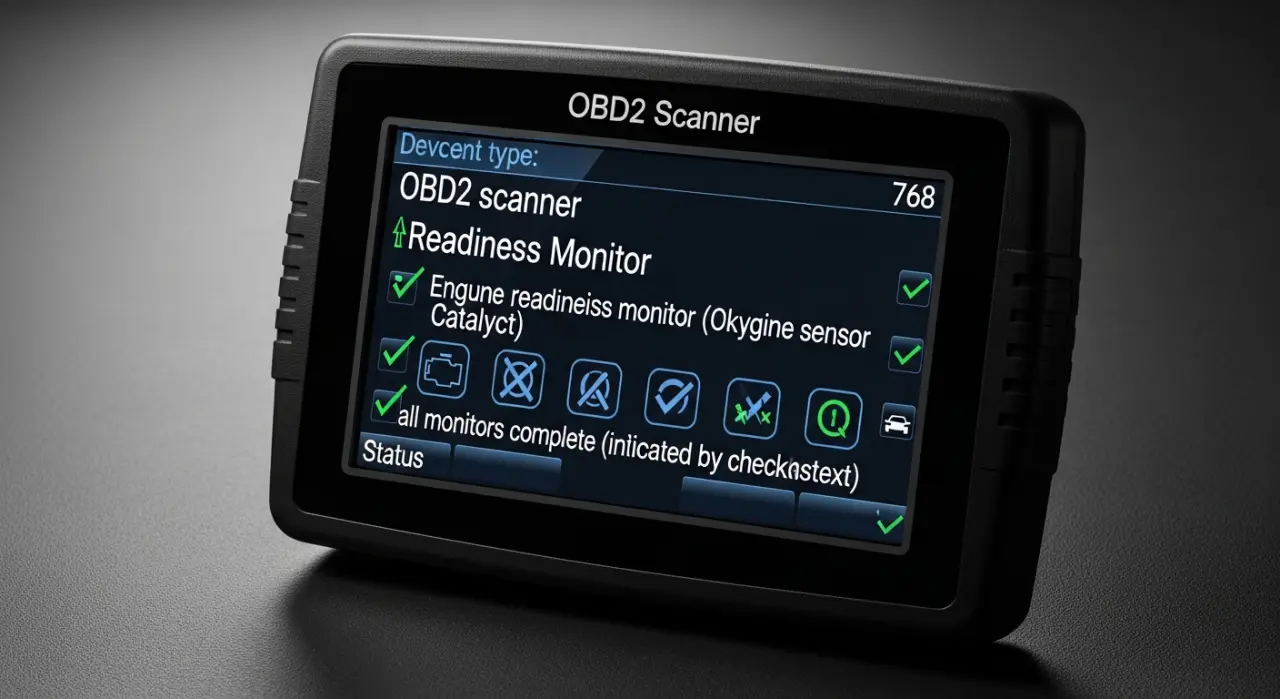
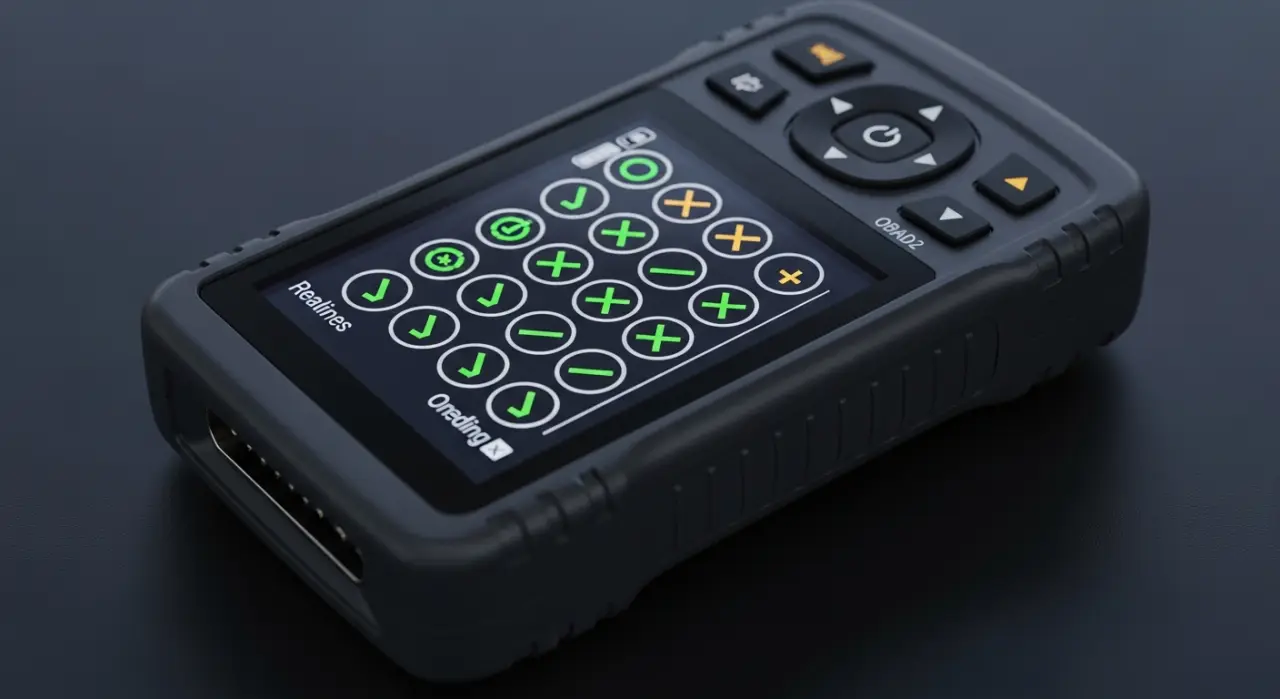
Any decent OBD2 scan tool, and even many entry-level code readers, will display readiness monitor status. Before you drive to an inspection, plug in your scanner and navigate to the I/M Readiness or Monitor Status screen. You want to see every applicable monitor listed as Ready / Complete.
If you see Not Ready / Incomplete next to any monitor, complete another drive cycle and recheck. Don't book the inspection until everything is green. The five minutes it takes to check at home is far better than showing up and failing on something entirely preventable.
When you're reading the monitor screen, be aware that some scan tools display monitors as Supported / Unsupported alongside the Ready / Not Ready status. A monitor showing Not Supported is simply not applicable to your vehicle — it's not a problem. Only Supported + Not Ready monitors count against you.
The Golden Rule: Never Clear Codes Right Before an Inspection
If your check engine light came on, you diagnosed it, fixed the underlying problem, and now you're wondering whether to clear the code before heading in for a smog check — resist the urge. Or at the very minimum, understand what you're getting yourself into.
Clearing the code resets all monitors. You'll then need to complete a full drive cycle — potentially several — before any of them are Ready again. If you clear codes the night before an inspection and drive straight there the next morning, almost certainly you'll have multiple incomplete monitors and you'll fail regardless of whether the underlying fault has been fixed.
The correct process is:
- Diagnose and fix the actual fault
- Clear the code
- Complete one or two full drive cycles over several days of normal driving
- Check monitor status with your scanner
- Only once all applicable monitors read Ready — book and attend the inspection
Rushing this process almost always results in a failed inspection and the hassle of booking a re-test. Take the time to do it properly and you'll roll in with confidence.
Quick Reference: Readiness Monitor Checklist
- Plug in your scanner and check I/M readiness before booking the inspection
- All applicable (Supported) monitors should show Ready / Complete
- If any monitors are Not Ready, complete the manufacturer drive cycle or the general OBD2 drive cycle
- Allow one to three days of mixed driving — cold starts, highway, city — for monitors to set naturally
- EVAP monitor needs correct fuel level (one-quarter to three-quarters tank) and engine-off soak time
- Never clear codes immediately before an inspection without allowing time for monitors to reset
- Check whether your state's emissions program actually interrogates OBD2 monitors — requirements vary from state to state
- JDM import? Read our guide on OBD2 on JDM imports before assuming standard monitor behavior
Getting this right isn't complicated — it just requires a bit of patience and the right information before you head in. For a full breakdown of how codes are generated and what happens when you clear them, head back to the OBD2 codes hub and work through the related guides.
Recommended Products

Best for checking readiness monitors from your phone
- Full OEM-level code coverage
- Repair reports from real fixes
- Reads ABS/SRS/live data
- Works with iOS & Android
Why buy it: the best all-round scanner — its app shows I/M readiness clearly, so you can confirm every monitor is set before you book the smog check.

Best for a standalone tool with no phone needed
- Color screen, no phone needed
- Live data & freeze frame
- Reads & clears CEL codes
Why buy it: a dependable standalone handheld that reads readiness status on its own screen — plug in and check before the inspection.

Best for a do-it-all budget pick
- Handheld + Bluetooth in one
- Live data & battery test
- Great price for the features
Why buy it: handheld and phone modes in one for the price of a basic reader — enough to verify monitor status at home.

Best for the tightest budget
- Reads & clears basic codes
- Freeze-frame data
- One-click I/M readiness check
Why buy it: a cheap, reliable reader with a one-click readiness check — the minimum tool to avoid a wasted trip to the inspection station.
Prices are pulled from Amazon and were accurate as of Aug 22, 2026, 6:54 PM EDT. Product prices and availability are subject to change — the live price is shown on Amazon.