
Affiliate Disclosure
Some links on this page are affiliate links. As an Amazon Associate, we earn from qualifying purchases — at no extra cost to you. We do not buy, test, or physically handle the products we cover; our rankings come from aggregated owner reviews, ratings and expert consensus. Commissions never change our verdicts. How we rank & full disclosure.
Your check engine light is on. You plug in a scanner, pull the code, and think: can I just clear it and see what happens? Yes, you can. But there's a right way to do it, a crude way to do it, and a genuinely bad idea way to do it — and they're not always the same thing. This guide walks you through all three, plus the part most YouTube tutorials skip: what clearing a code actually destroys and when you absolutely should not touch that erase button.
What Clearing a Code Actually Does
When you clear an OBD2 code, you're telling the ECU to wipe its diagnostic memory. That sounds simple, but the collateral damage is significant:
- Freeze frame data is deleted. Freeze frame captures the exact engine conditions — RPM, load, fuel trim, coolant temp — at the moment the fault tripped. It's the closest thing you have to a black box recording of the failure. Gone the moment you hit erase. (More on freeze frame and why it matters here.)
- Readiness monitors reset to “not ready.” Your ECU runs self-tests called readiness monitors — for oxygen sensors, catalytic converter, EVAP system, and more. Clearing codes resets all of them to zero. If your car needs a smog check or registration inspection, an inspector will fail it on the spot for incomplete monitors, even if no light is on. (Full breakdown of readiness monitors and smog tests here.)
- Pending codes may also clear. Pending codes are faults the ECU has seen once but not confirmed. Wiping them means you lose early-warning data before you even know what the problem is. (Learn the difference between pending, stored, and permanent codes.)
The underlying fault? Still there. Every single time. Clearing a code does not fix anything. It just removes the warning until the monitor runs again and the fault re-trips — usually within one to three drive cycles.
Method 1: Clear with an OBD2 Scanner (The Right Way)
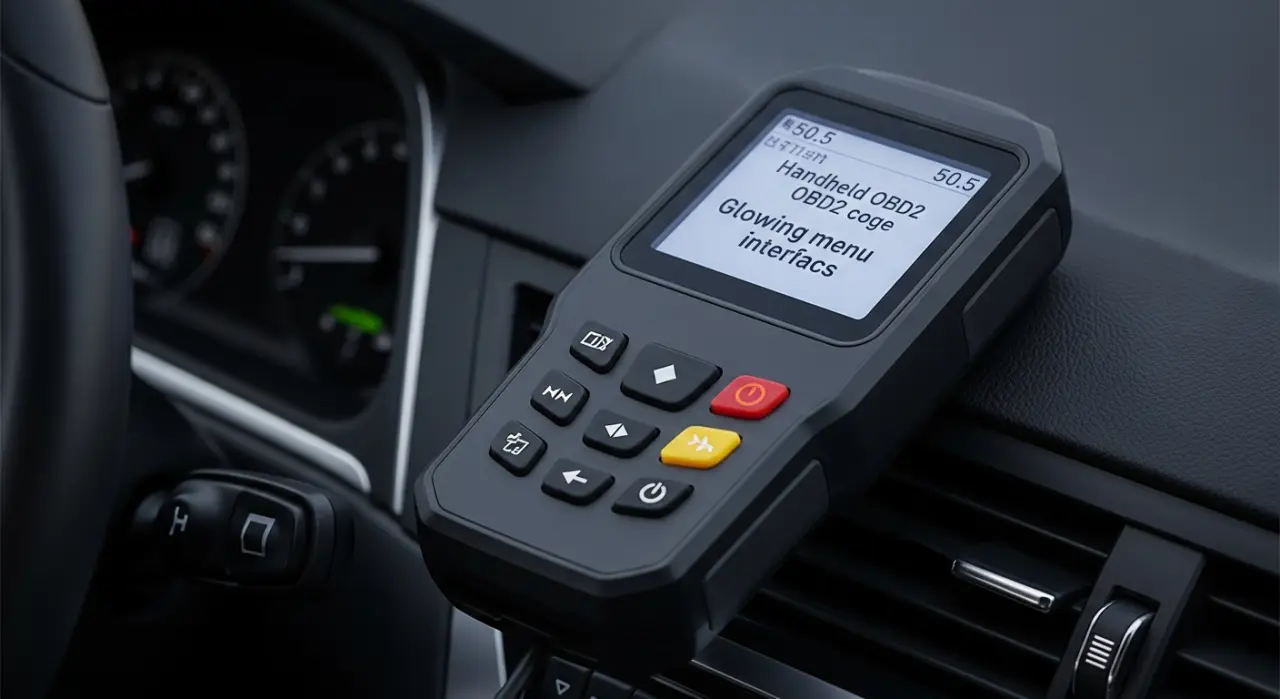
This is the correct approach. A dedicated scanner or a phone-based adapter with a proper app gives you control over what you're doing and lets you confirm the code before you erase it.
- Read the code first. Write it down or take a photo. Once you clear, it's gone. You want a record. (Step-by-step guide to reading an OBD2 code here.)
- Record the freeze frame data. Check RPM, load, short-term and long-term fuel trim values. Screenshot everything. This information is invaluable for diagnosis and you lose it permanently when you clear.
- Turn the ignition on, engine off (key to position II, or press start without pressing the brake on push-button cars). You do not need the engine running.
- Plug your scanner into the OBD2 port — usually under the dash on the driver's side, within reach of the steering column.
- Navigate to “Erase Codes” or “Clear DTC.” The label varies by scanner. Confirm when prompted.
- Wait for the confirmation message, then turn the ignition off and back on. The check engine light should be out.
- Verify readiness monitor status. Most scanners show this under “I/M Readiness” or “Readiness Monitors.” Expect to see them all reset to “incomplete.” That's normal. They'll complete as you drive through a standard drive cycle.
That's the clean version. Takes five minutes. Leaves you with a record of what was there.
Method 2: Disconnect the Battery (The Crude Way)
Disconnecting the negative battery terminal for 15 to 30 seconds is the old-school reset. It works — sort of — but it comes with costs people rarely mention:
- You lose radio presets and security codes. On older vehicles, the stereo may lock out entirely until you enter a PIN. Check your manual before you do this.
- Transmission and engine adaptations reset. Modern ECUs learn your driving style over time and adjust shift points, idle quality, and fuel maps accordingly. After a battery disconnect, the car may feel rough, shift oddly, or idle erratically for the first 30–60 miles while it relearns.
- Power window and sunroof calibration can drop out on some vehicles, requiring a manual re-initialization sequence.
- It still resets readiness monitors, same as a scanner clear. Your smog readiness problem doesn't go away with this method.
- It does not clear permanent codes. More on that below.
Bottom line: battery disconnect is an acceptable last resort if you have no scanner and need the light off immediately. It's not a diagnostic tool. It's a blunt instrument.
Permanent Codes (P-DTCs): The Ones You Cannot Clear
This is the part most guides leave out entirely.
Since OBD2 regulations were tightened, vehicles (roughly 2010 and newer, with variation by market) store a category called permanent diagnostic trouble codes, or P-DTCs. These are emissions-related faults that the ECU writes to a protected memory area specifically designed to be immune to manual clearing.
You cannot erase a permanent code with a scanner. You cannot erase it by disconnecting the battery. The only way a permanent code clears is for the ECU itself to confirm the fault no longer exists — meaning the underlying problem is fixed, the relevant monitor runs and passes, and the ECU marks it resolved on its own terms.
This matters enormously for emissions testing. An inspector's scan tool will show permanent codes even if your dash light is off. If you cleared a stored code to pass a smog check, the permanent code remains as evidence. The car fails anyway. (Read more about the difference between stored, pending, and permanent codes.)
Will the Code Come Back After Clearing?
If the fault is still present: yes, always.
The ECU continuously runs diagnostic monitors while you drive. When the relevant monitor completes its test cycle and detects the same fault condition, it sets the code again. Depending on the fault type and your driving pattern, that can happen within a single drive or take a few days of mixed driving.
For two-trip faults (which covers most emissions codes), you'll typically see the pending code return after one drive and the stored code confirmed on the second. The light comes back on, you're back where you started, and you've now lost your freeze frame data that could have told you what was happening.
This is why clearing without diagnosing is a trap. It feels like you've done something. You haven't.
Legit Reasons to Clear a Code
Clearing is not always wrong. There are two situations where it's the correct move:
- After a confirmed repair. You've identified the fault, replaced the part or fixed the condition, and you want to verify the repair holds. Clear the code, drive through the appropriate monitor cycle, confirm the code does not return and the monitor completes. That's how you verify a fix properly.
- After a non-fault trigger. Loose fuel caps, condensation in a sensor connector, and one-off misfires during a cold start can all trip codes that never recur. Clear the code, drive normally, and see if it comes back. If it doesn't, the issue may have genuinely been transient. If it does, you have a real problem to find.
In both cases, you're using the clear as a diagnostic step with intention — not as a way to make a warning disappear and pretend it didn't happen.
The Smog Test Problem
If your car is due for a smog check or state emissions inspection and you've recently cleared codes for any reason, do not take it straight in.
Inspectors check two things beyond the presence of a dash light: readiness monitor completion status and, on newer vehicles, permanent codes. A car with incomplete monitors — even with no active faults — is an automatic failure in most jurisdictions. You typically need anywhere from one to three complete drive cycles to get monitors back to ready status, and some monitors (particularly EVAP) require very specific conditions to complete.
The correct sequence is: fix the fault, clear the code, run a proper drive cycle until all applicable monitors show complete, then go for the test. Skipping any of those steps costs you the test fee and another booking. (Everything you need to know about readiness monitors and smog checks is here.)
Quick Reference: Clear vs. Don't Clear
- Clear: After you've fixed the fault and want to verify the repair.
- Clear: After a confirmed non-fault trigger (loose cap, one-off event) to see if it recurs.
- Do not clear: Before diagnosing — you need that freeze frame data.
- Do not clear: Before a smog test without running a complete drive cycle first.
- Do not clear: Expecting it to fix anything. It doesn't.
- Cannot clear: Permanent (P-DTC) codes. These require the fault to be fixed and the ECU to self-verify.
The check engine light exists to tell you something needs attention. Clearing it without acting on that information is the automotive equivalent of pulling the battery out of a smoke alarm. The problem doesn't go away because the warning does.
Start with the OBD2 code reading hub if you haven't diagnosed the fault yet. Know what you're dealing with before you decide whether to clear it.
Recommended Products
We aggregate owner reviews rather than test tools ourselves. A proper scanner is the difference between clearing a code deliberately — recording the freeze frame first and checking readiness monitors after — and the blunt battery-disconnect method. None of these can erase a permanent (P-DTC) code; only fixing the fault does that.

Best for DIYers who want to read, record and clear codes properly from their phone
- Reads and clears codes, shows freeze frame and live data
- Enhanced/manufacturer codes and readiness monitors
- Repair reports from a large database
- Enormous, satisfied owner base
Why buy it: the clean way this guide recommends — capture the code and freeze frame first, then clear, and check monitor status afterward.

Best for power users who want fast, secure Bluetooth and deep vehicle access
- Fast, stable connection with strong app support
- Reads many manufacturer-specific systems
- Shows readiness monitors clearly
- Highly rated by enthusiasts
Why buy it: the enthusiast pick for confirming monitors are complete before a smog test, not just clearing the light.

Best for anyone who prefers a standalone tool with no phone needed
- Colour screen with live data and freeze frame
- Reads and clears codes, shows I/M readiness
- No app or subscription required
- Very large owner base
Why buy it: a self-contained tool that shows readiness status on screen — ideal before an emissions test.

Best for a wired-plus-Bluetooth combo at a friendly price
- Works handheld or via phone app
- Reads and clears codes with freeze frame
- Shows readiness monitors
- Good value rating
Why buy it: flexible and affordable — enough to record and clear codes the right way without overspending.

Best for a cheap, no-frills reader that still shows freeze frame
- Reads and clears codes
- Displays freeze frame data
- Shows I/M readiness status
- Simple one-button operation
Why buy it: the low-cost entry point that still lets you record freeze frame before you erase — the step most people skip.

Best for phone-based scanning on the tightest budget
- Tiny BLE adapter for iOS and Android
- Reads and clears codes via free apps
- Shows live data and monitors in supported apps
- Huge owner base
Why buy it: the least you can spend and still clear codes deliberately from your phone rather than yanking the battery.
Prices are pulled from Amazon and were accurate as of Aug 22, 2026, 6:54 PM EDT. Product prices and availability are subject to change — the live price is shown on Amazon.