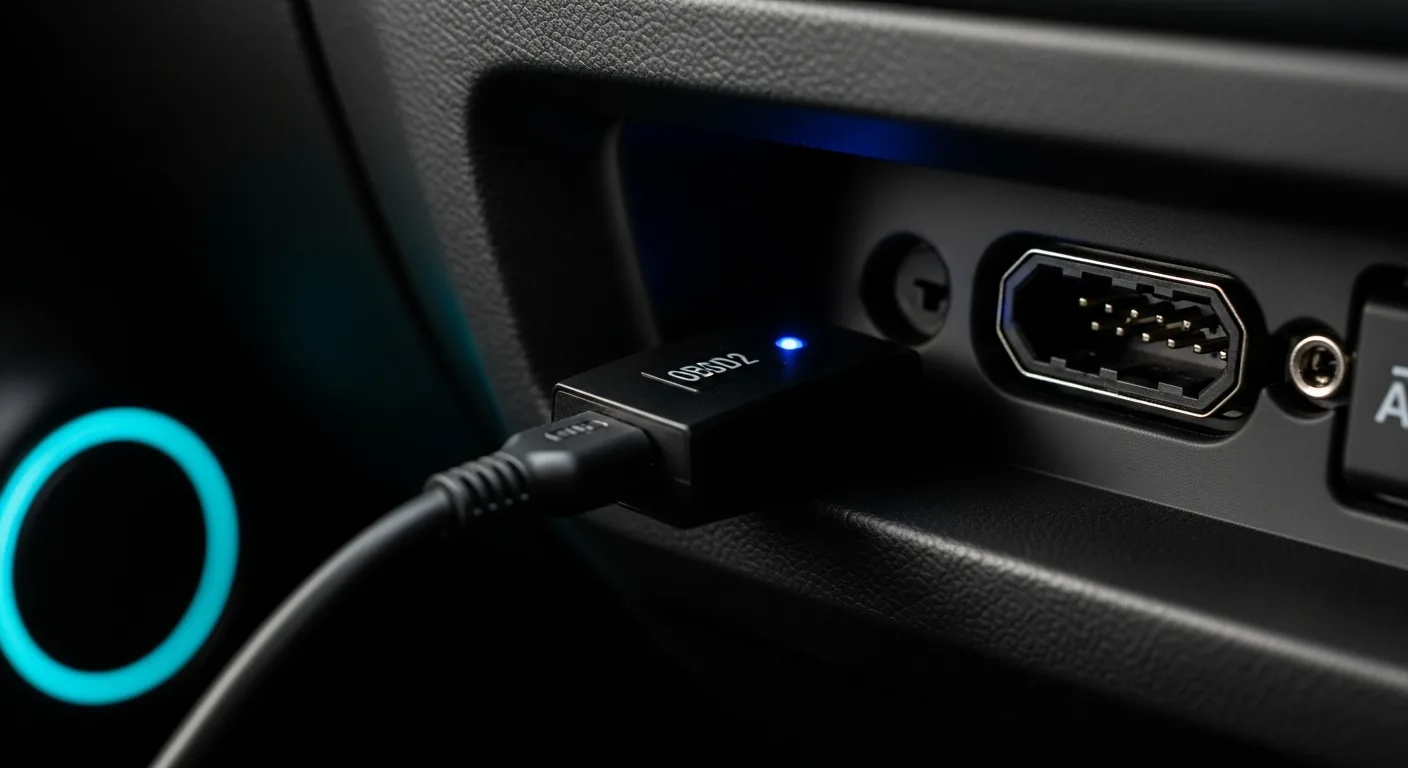
Your phone already lives in your pocket. A $15–$30 dongle plugged into the OBD2 port under your dash, and suddenly that phone becomes a proper scan tool — reading fault codes, showing live sensor data, and clearing that check-engine light without touching a parts-store loaner. For JDM owners on a budget, this combo punches well above its weight. The catch is that the cheap end of the market is lousy with dodgy clones that half-work, brick themselves mid-scan, or drain your battery while the car sits. This guide cuts through the noise so you spend twenty bucks on something that actually works.
Already know what you need? Jump straight to our full adapter comparison or browse individual adapter reviews. If you want to understand the OBD2 system before buying anything, start at the Reading OBD2 Codes hub.
Top Picks at a Glance
Best Budget Bluetooth OBD2 Adapters, Ranked
Best for the best budget Bluetooth all-rounder
- Fast, secure Bluetooth
- Deep OEM & live data
- Works iOS & Android
- No battery drain
Why buy it: the most capable budget dongle — fast, secure and deep.
Best for cheap iOS + Android support
- BLE for iOS & Android
- Wide app support
- Tiny and cheap
Why buy it: a cheap dongle that works on both iOS and Android.
Best for Android users on a budget
- Rock-solid on Android
- Huge review track record
- Very cheap
Why buy it: the long-proven cheap pick for Android phones.
Best for plain-English code explanations
- Plain-English code meanings
- Maintenance reminders
- Very simple app
Why buy it: translates codes into plain English for total beginners.
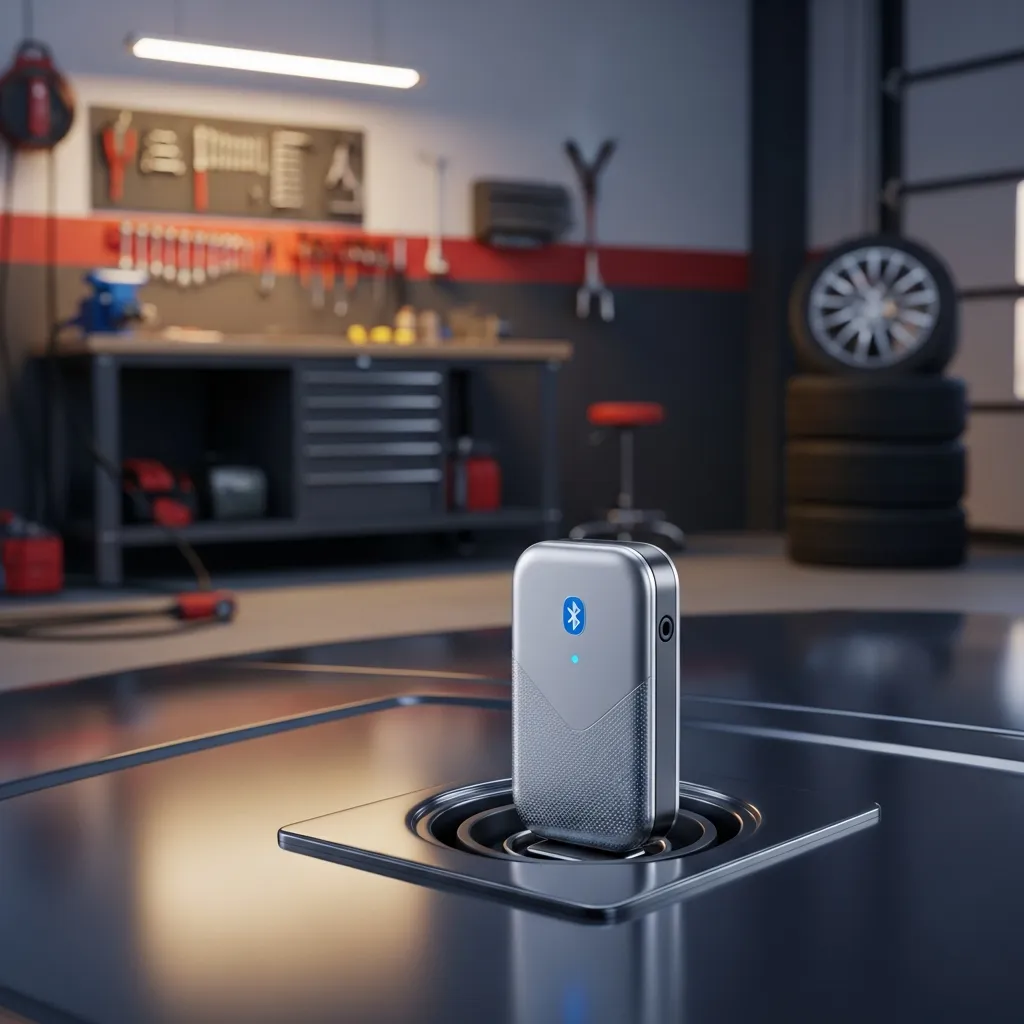
Best for fast iPhone connections
- Fast BLE for iOS
- Compact
- Good app ecosystem
Why buy it: a quick, reliable Bluetooth pick for iPhone users.
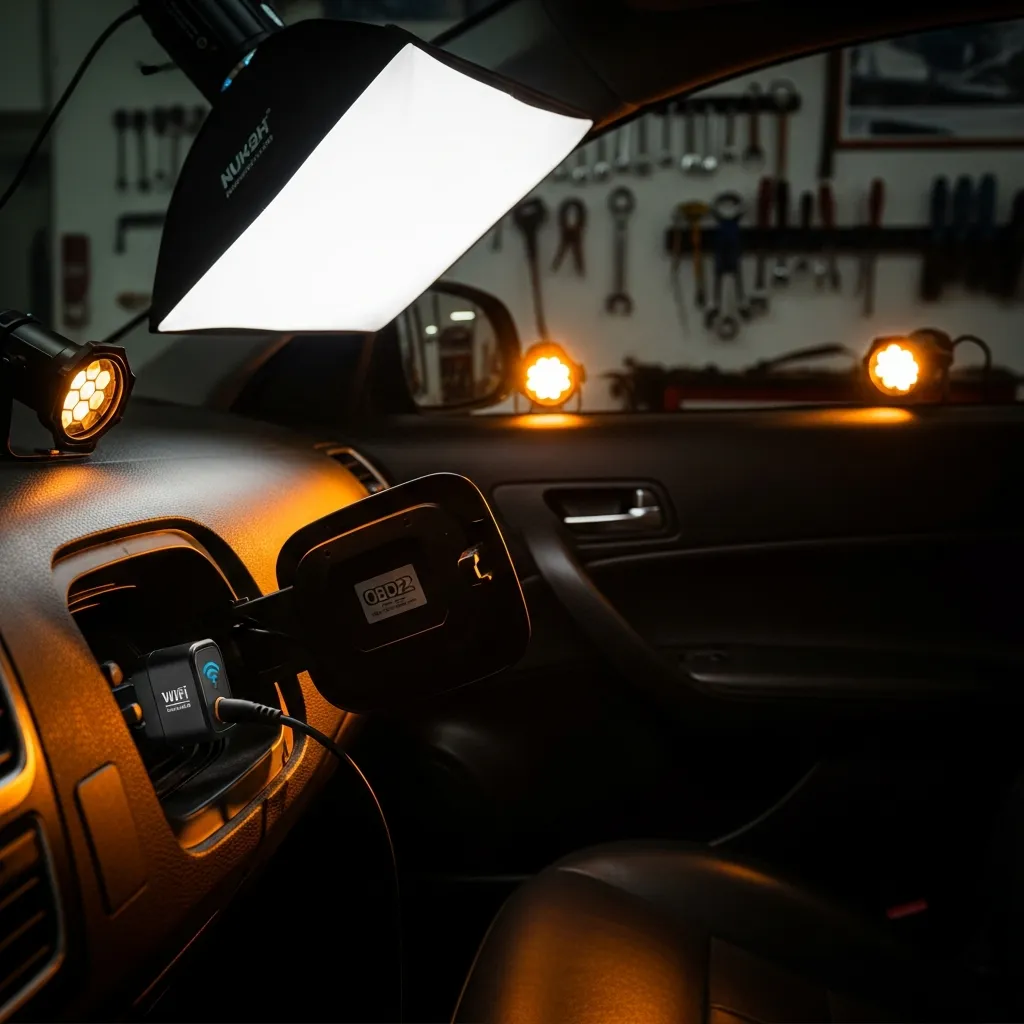
Best for the tightest budget
- WiFi (great for iOS)
- Tiny and cheap
- Basic code reading
Why buy it: the cheapest way to read codes on your phone.
Quick Comparison
| Product | Best for | Rating | Price | Buy |
|---|---|---|---|---|
| OBDLink LX | Best Overall | 4.6 | ~$60 | Check |
| Veepeak OBDCheck BLE | Best Value | 4.5 | ~$35 | Check |
| BAFX Bluetooth | Best for Android | 4.4 | ~$25 | Check |
| FIXD Sensor | Best for Beginners | 4.3 | ~$60 | Check |
| PLX Kiwi 3 | Best for iOS | 4.4 | ~$50 | Check |
| Veepeak Mini WiFi | Cheapest | 4.3 | ~$20 | Check |
What the Dongle + App Combo Actually Does
Every car sold in Australia and the US since the mid-to-late 1990s (most JDM imports included) has a 16-pin OBD2 port, usually found under the steering column or near the fuse box. The adapter plugs in there, sits in the background, and talks to your car’s ECU over the CAN bus — a high-speed network that connects every module in the vehicle. Your phone connects to the adapter via Bluetooth, and the app translates raw ECU data into something readable.
What you can do with a basic setup:
- Read and clear diagnostic trouble codes (DTCs)
- View live sensor data — coolant temp, RPM, throttle position, O2 sensors, boost pressure
- Capture freeze-frame data (the snapshot the ECU saves the moment a fault trips)
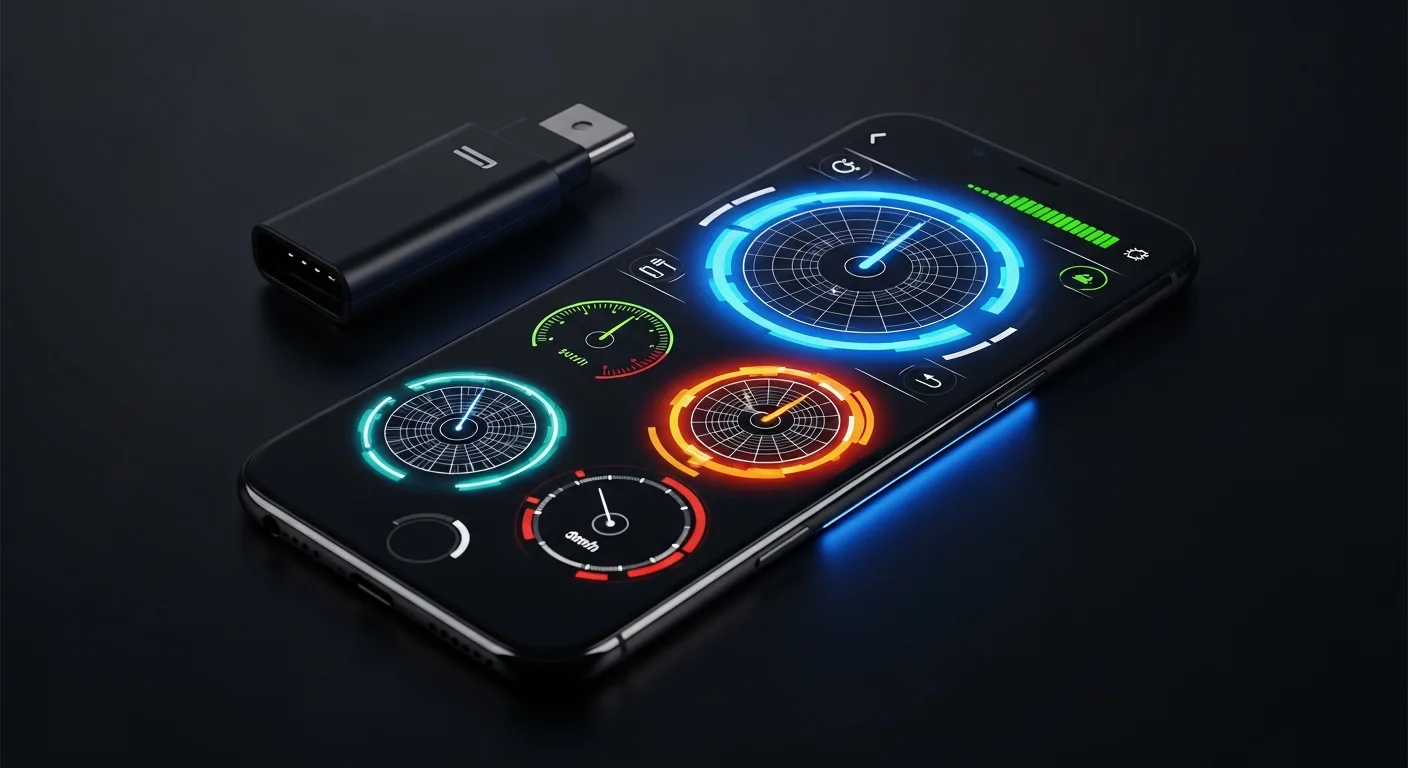
- Set up a custom digital dashboard on your phone screen
- Log data to CSV for later analysis
For a deep dive on exactly what freeze-frame data tells you, read our guide on freeze frame and live data. For a step-by-step walkthrough of the actual code-reading process, see how to read a code step by step.
ELM327 Explained — and the Fake Clone Problem
The ELM327 is a microcontroller made by ELM Electronics that acts as a translator between OBD2 protocols and a simple serial interface your phone can talk to. It was designed for hobbyists, is well-documented, and became the de facto standard for budget adapters. The chip itself is inexpensive and genuinely good.
The problem: ELM327 was reverse-engineered years ago, and the market flooded with counterfeit chips. These clones carry the ELM327 label but run stripped-down firmware with bugs, missing protocol support, or no support for certain OBD2 modes at all. Common symptoms of a fake clone:
- Connects fine but returns “no data” on most sensors
- Works only on Mode 1 (live data) and fails on Mode 3 (stored codes) or Mode 6 (EVAP monitors)
- Drops the Bluetooth connection unpredictably
- Freezes or requires an adapter restart mid-session
- Firmware version reports as 1.5 or 2.1 but the chip is physically incapable of running that firmware
The $5–$8 adapters flooding marketplaces are almost universally fake. Even some adapters in the $12–$18 range can carry bad chips. Price alone is not a reliable filter, but brand is.
How to Pick a Reliable Budget Adapter
You don’t need to spend $100. You do need to buy from a brand that controls its supply chain. Three types worth trusting in the sub-$30 bracket:
- OBDLink LX / OBDLink CX — OBDLink uses their own STN chip rather than ELM327 clones, and the firmware is solid. The LX (Bluetooth Classic, Android) sits around $25–$30 AUD. The CX (Bluetooth Low Energy, works with iOS) is slightly more. Faster, more reliable, and compatible with apps beyond just the OBDLink app.
- Vgate vLinker MC+ — Genuine ELM327-compatible chip, supports both Bluetooth Classic and BLE simultaneously, which means one adapter works on Android and iOS. Around $20–$30 AUD. Solid mid-point pick.
- Veepeak OBDCheck BLE+ — BLE adapter aimed squarely at iOS users who need something that works with Car Scanner or OBD Fusion. Around $20–$25 AUD. Compact, doesn’t overheat.
Before you buy anything else, check our best OBD2 scanner roundup for broader options including handheld units if the phone-based approach isn’t right for your workflow.
Bluetooth vs BLE vs WiFi — and the iOS Problem
This is the single most important spec to check before purchasing, and most listings bury it in the fine print.
- Bluetooth Classic (BR/EDR) — The most common type on cheap adapters. Fast, stable, pairs like a regular Bluetooth device. Android only. iOS 7 and later blocked third-party access to Bluetooth Classic serial profiles (MFi restriction). If you buy a Bluetooth Classic adapter for an iPhone, it will not work.
- Bluetooth Low Energy (BLE / Bluetooth 4.0+) — Works on both iOS and Android. Lower data throughput than Classic, which means live-data refresh rates can be slightly slower, but for most diagnostic use it is not noticeable. This is the right pick for iPhone users.
- WiFi — Creates its own hotspot, your phone connects to it like a network. Works on iOS and Android. The downside: your phone loses its regular internet connection while connected, which is annoying when you want to look up a code while scanning. Also slower to pair.
Bottom line for iPhone users: you need either a BLE adapter (recommended) or a WiFi adapter. Standard Bluetooth adapters will not work, regardless of what the listing says.
App Walkthrough: Torque Pro (Android)
Torque Pro is the gold standard Android OBD2 app. The paid version costs around $7 AUD and is worth every cent. Here’s how to get rolling:
- Pair the adapter first — Go to Android Bluetooth settings, pair the adapter (default PIN is usually 1234 or 0000). Do this before opening Torque.
- Open Torque › Settings › OBD2 Adapter Settings — Select “Bluetooth” as connection type, then choose your adapter from the list.
- Connect and check vehicle profile — Torque will auto-detect your vehicle’s ECU. You can manually enter make, model, displacement and fuel type for more accurate calculations.
- Dashboard setup — The real-time dashboard is customisable. Long-press any gauge to replace it. Popular choices: coolant temp, intake air temp, RPM, throttle, calculated load, fuel trim (short and long term).
- Fault codes — Tap “Fault Codes” from the main menu. Torque reads all stored and pending DTCs, shows freeze frame, and gives you a plain-English description of each code pulled from its on-board database.
- Clearing codes — Only do this after you understand what the code means and have addressed the underlying cause. Tap the code, tap “Clear codes.”
JDM-Specific PIDs in Torque Pro
Standard OBD2 PIDs cover generic sensors, but manufacturer-specific (enhanced) PIDs unlock data your JDM ECU broadcasts that generic mode doesn’t expose. Torque Pro supports custom PID entry. For Subaru EJ engines, common custom PIDs include knock correction (fuel load vs ignition advance), fine knock learning, and primary/secondary open-loop fuelling tables. For Nissan RB and SR engines, coolant temp sensor A vs B discrepancy PIDs are useful diagnostics. These PID codes are published in marque-specific forums — search for your platform + “Torque Pro custom PID” and you’ll find community-compiled CSV files you can import directly.
App Walkthrough: Car Scanner ELM OBD2 (iOS & Android)
Car Scanner is the best free-to-start option for iOS and a strong alternative on Android. The base app is free with a one-time unlock for extended features (~$7 AUD), or a subscription that most users will not need.
- Connect the adapter — For BLE adapters on iOS, you do not pair in Bluetooth settings first. Open Car Scanner, go to Settings › Connection, select your adapter type (ELM/OBDII BLE), and the app handles discovery.
- Vehicle profile — Car Scanner has an extensive database. Select your make and model; for JDM imports, use the Japanese domestic market variant if listed rather than the export version for best PID coverage.
- Dashboard — Car Scanner’s dashboard is arguably more polished than Torque’s out of the box. Swipe between screens. The HUD mode (white-on-black, mirrored) is genuinely useful if you want to mount your phone on the dash.
- Reading and clearing codes — Tap the wrench icon › DTC. The app reads all available modes. You can toggle between stored, pending, and permanent DTCs. Clear function is one tap with a confirmation prompt.
- Live data and logging — Select sensors from the full PID list and add them to your active log. Export to CSV post-drive. The graphing view overlays two sensors on the same timeline, which is genuinely useful for diagnosing AFR vs throttle position correlations.
Custom PIDs in Car Scanner
Car Scanner supports extended PID sets through its “Extended PIDs” menu. The app ships with a growing library of manufacturer-specific PID sets including Toyota/Lexus, Subaru, Honda, Nissan, and Mitsubishi. Enable the relevant set for your vehicle and those enhanced parameters appear alongside standard OBD2 data automatically. This is one of Car Scanner’s biggest advantages for JDM owners versus the generic Torque experience.
Security Note: Unplug the Dongle When You Park
This is not paranoia — it is a genuine consideration that most budget adapter listings do not mention. When a Bluetooth OBD2 adapter is plugged into your OBD2 port, it maintains a connection to the vehicle’s CAN bus. Depending on the adapter and your vehicle’s power management:
- The adapter may keep modules awake that would otherwise sleep, causing a slow battery drain over days. On vehicles with known parasitic draw issues (older Subaru WRX, EK/EG Civics), this compounds the problem.
- A Bluetooth Classic adapter left in range of an attacker can, in theory, be used to send commands to the CAN bus. This is a low-probability risk in a residential street but not zero.
- Some fleet-grade adapters are designed to stay connected permanently for telematics purposes — budget consumer adapters are not, and most do not handle the always-on state gracefully.
The fix is simple: unplug the adapter when you are done with your session. Most adapters are small enough to drop in the centre console. Make it a habit.
Quick-Reference: Which Adapter + App Combo to Pick
- Android, want the best value: Vgate vLinker MC+ + Torque Pro
- iPhone, simplest setup: Veepeak OBDCheck BLE+ + Car Scanner ELM OBD2
- iPhone or Android, want the most robust hardware: OBDLink CX + Car Scanner or OBD Fusion
- JDM-specific enhanced PIDs on iOS: Any BLE adapter + Car Scanner (built-in JDM PID sets)
- JDM custom PIDs on Android: Vgate vLinker MC+ + Torque Pro (import community CSV)
If you want to compare these options head-to-head on specs, compatibility, and price, our adapter comparison tool has the full breakdown. For detailed hands-on reviews of individual units, visit our adapter review pages.
Affiliate Disclosure
Some links on this page are affiliate links. If you buy through them we may earn a small commission at no extra cost to you. It never changes our verdicts — we only recommend gear we would run on our own cars. Read the full disclosure.