Walk into any auto-parts store and the OBD2 scanner shelf will confuse you fast. Thirty tools, four price points, half a dozen brand names you've never heard of — and zero explanation of why a $29 unit and a $289 unit both claim to "read check-engine codes." They both do. The difference is everything that happens after the code appears.
This guide cuts through that. We'll map every tool tier to the jobs it can actually do, flag what matters for JDM and Asian-make coverage, and give you a clear recommendation matrix by skill level — plus our tested top picks below. No paid placements, just honest recommendations so you buy the right tool once.
Top Picks at a Glance
Our Tested OBD2 Scanner Picks
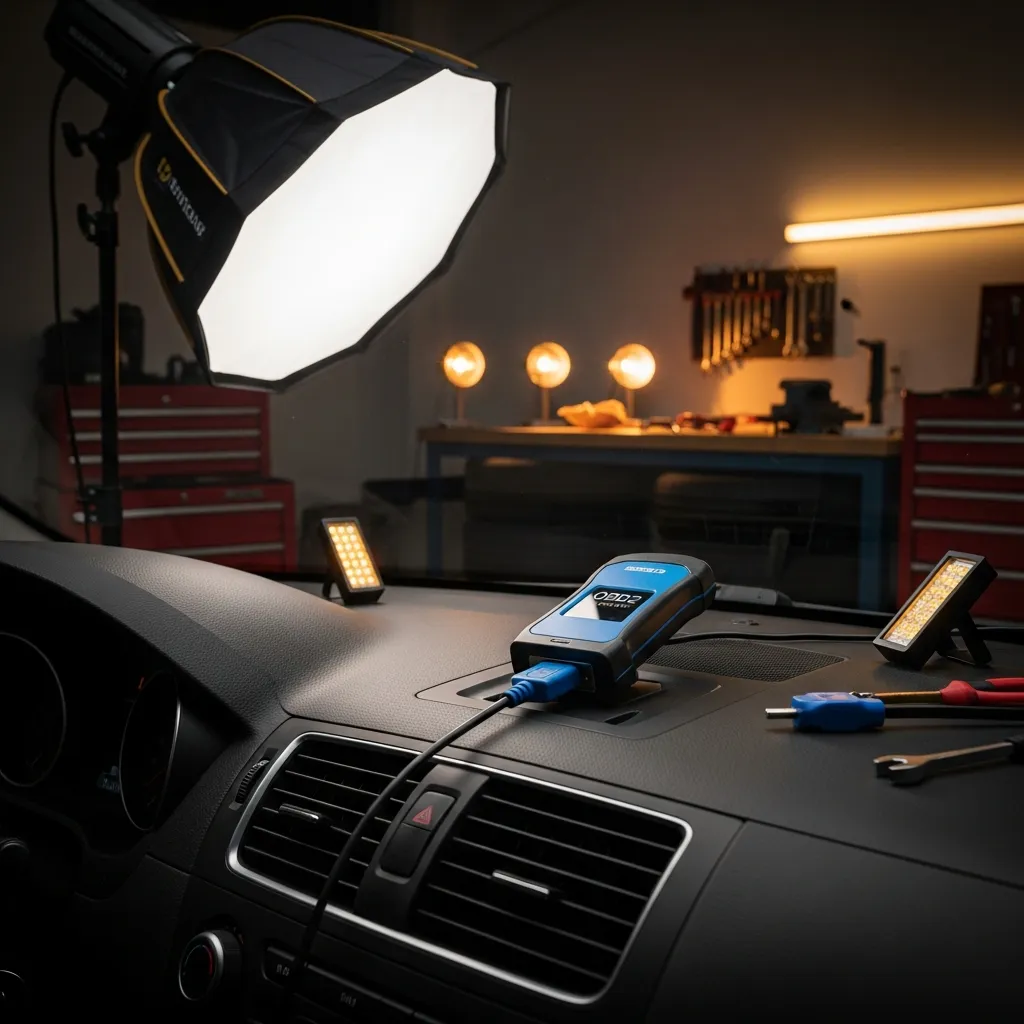
Best for DIYers who want pro data on their phone
- Full OEM-level code coverage
- Repair reports from real fixes
- Reads ABS/SRS/live data
- Works with iOS & Android
Why buy it: the best all-round scanner — pro-grade data through a polished phone app.
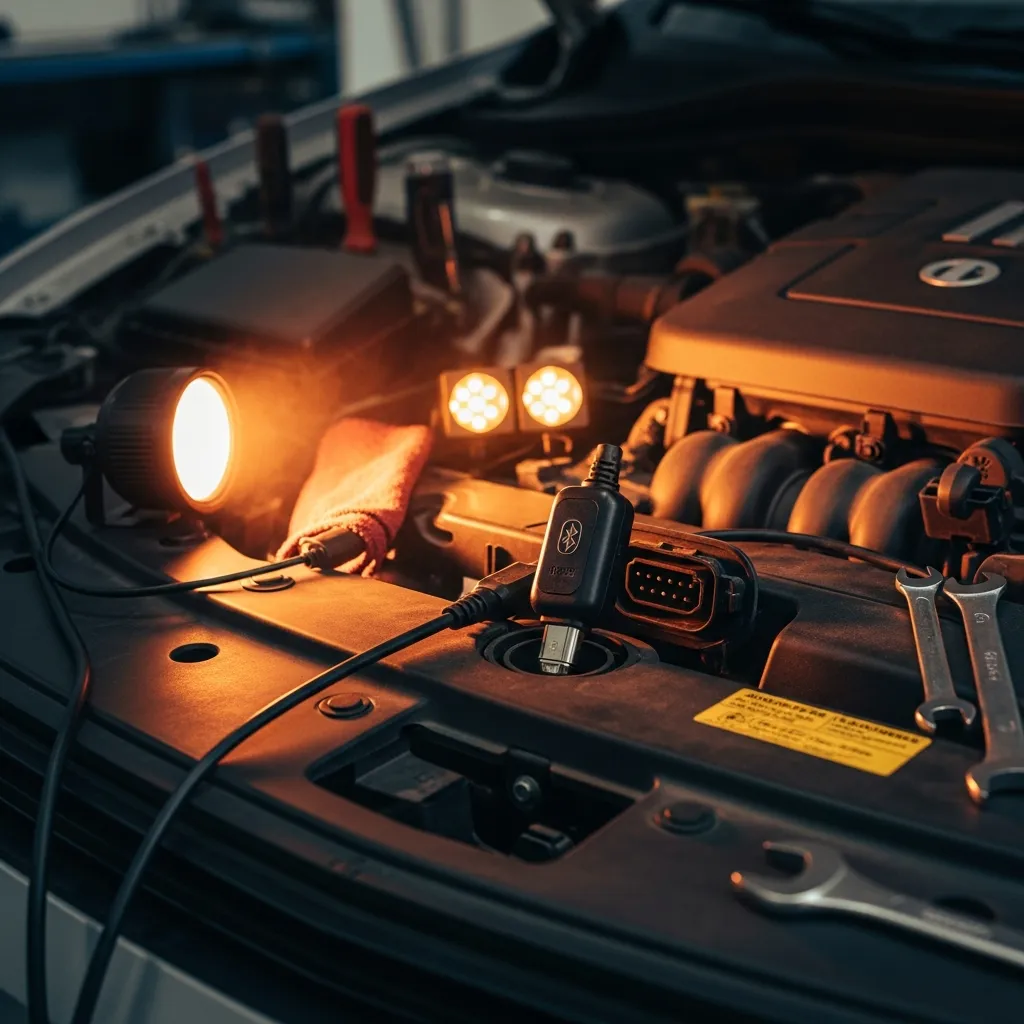
Best for enthusiasts who want speed and security
- Fast, secure Bluetooth
- Deep OEM & performance data
- Custom PIDs and dashboards
Why buy it: the fastest, most capable Bluetooth dongle for tinkerers.
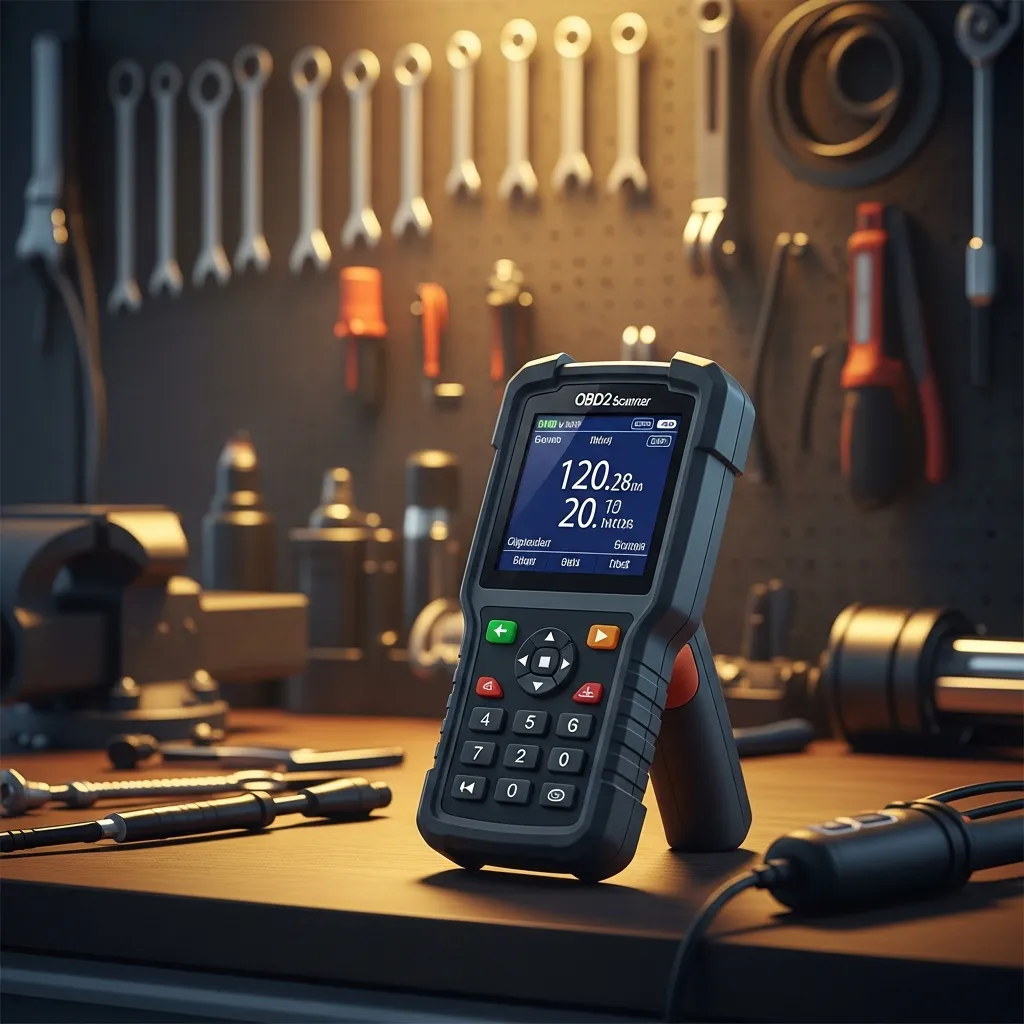
Best for people who want a standalone tool
- Colour screen, no phone needed
- Live data & freeze frame
- Reads & clears CEL codes
Why buy it: a dependable standalone handheld for everyday code work.
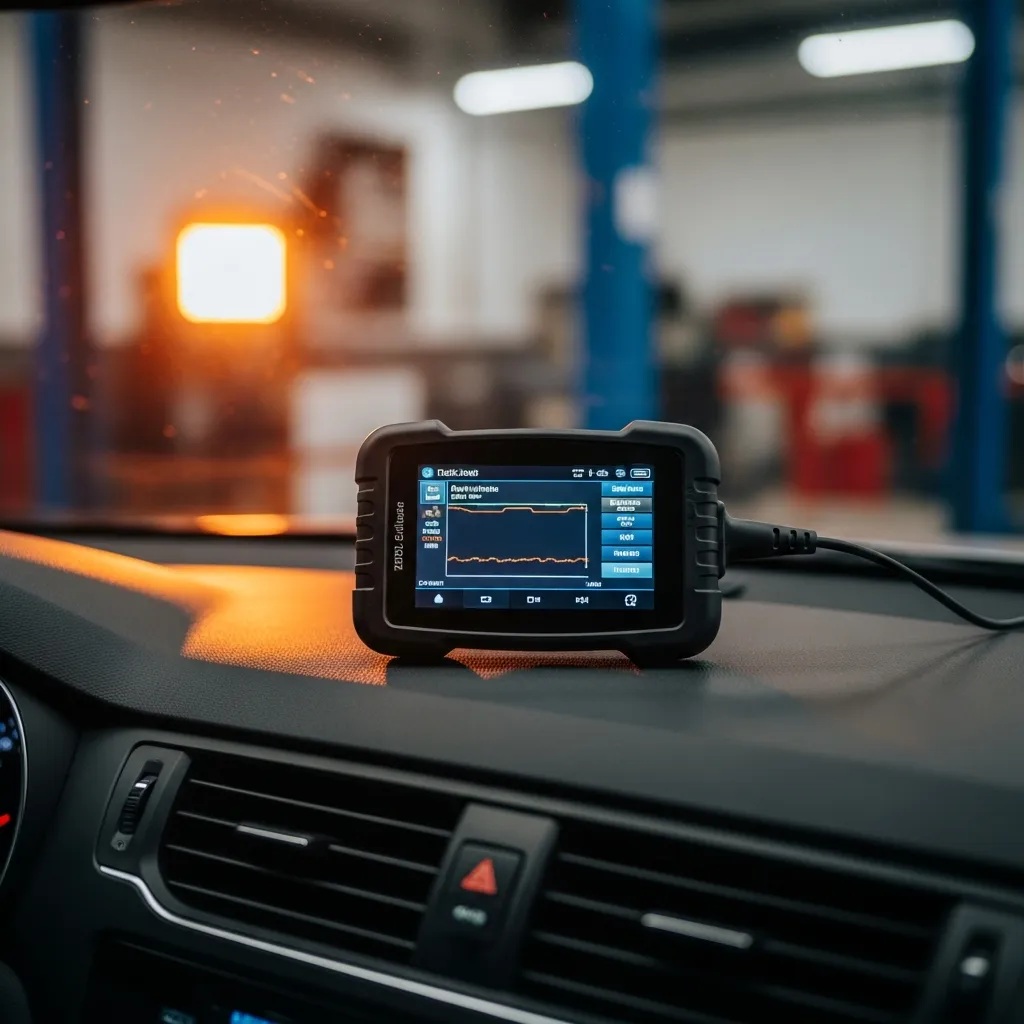
Best for a do-it-all budget pick
- Handheld + Bluetooth in one
- Live data & battery test
- Great price for the features
Why buy it: handheld and phone modes in one for the price of a basic reader.
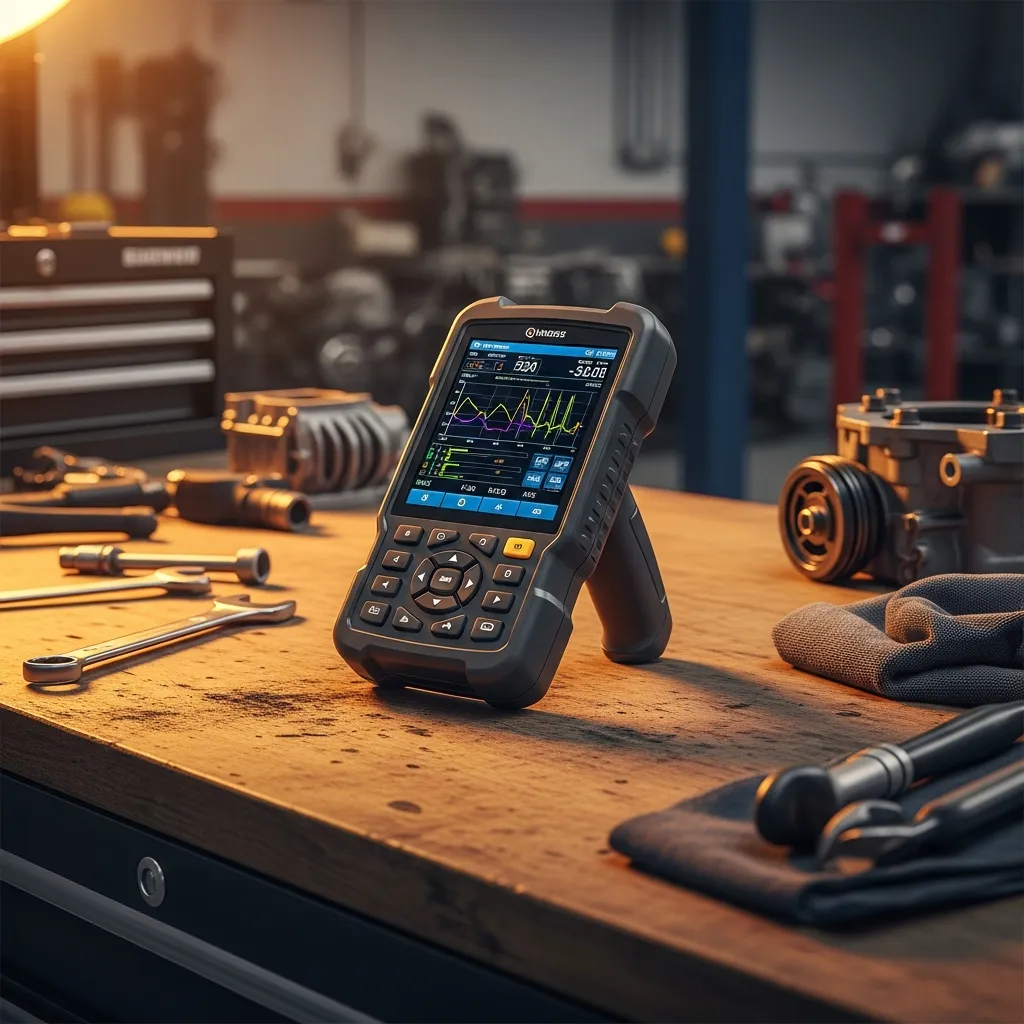
Best for serious DIY mechanics
- ABS/SRS + bidirectional tests
- OEM-level coverage
- Big colour display
Why buy it: near-shop capability for advanced diagnostics at home.
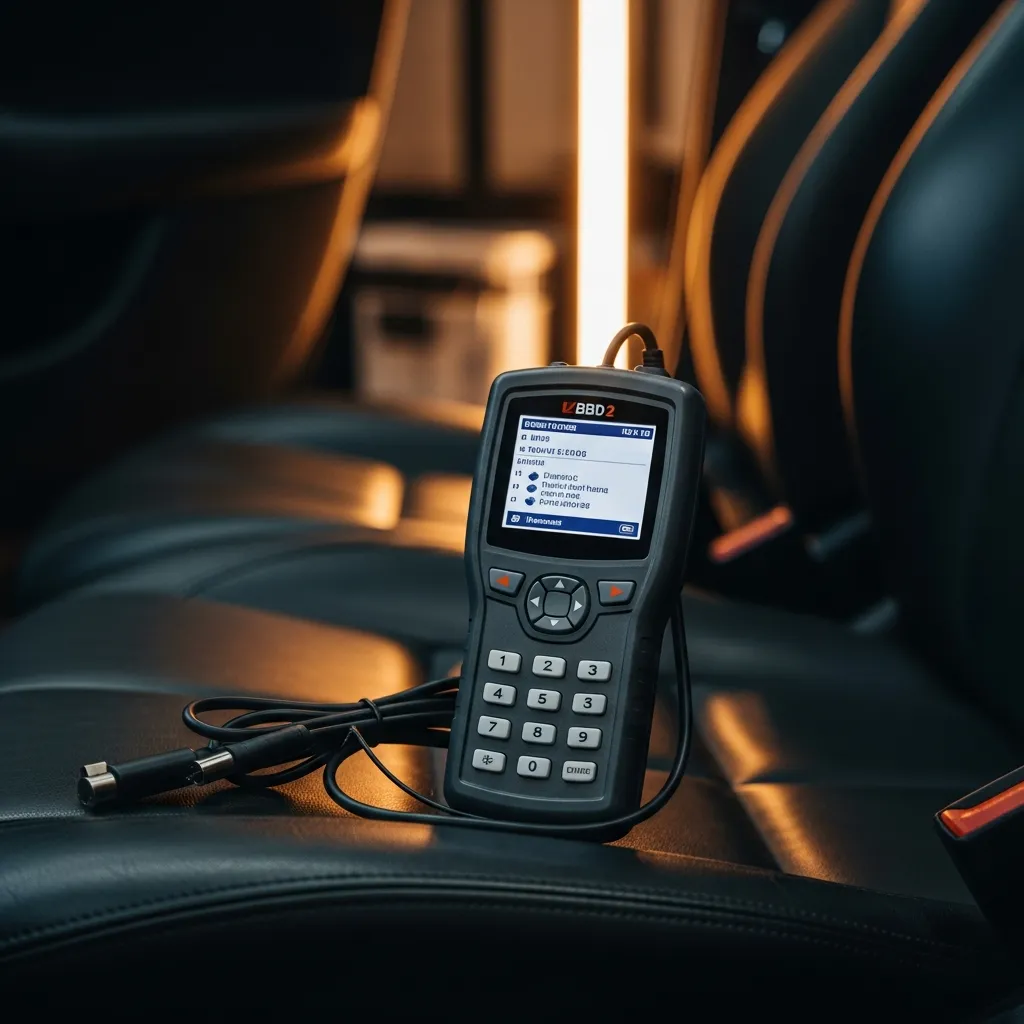
Best for the tightest budget
- Reads & clears basic codes
- Freeze-frame data
- Simple one-button use
Why buy it: a cheap, reliable code reader for the check-engine basics.
Quick Comparison
| Product | Best for | Rating | Price | Buy |
|---|---|---|---|---|
| BlueDriver Bluetooth Pro | Best Overall | 4.6 | ~$120 | Check |
| OBDLink MX+ | Best Bluetooth | 4.7 | ~$140 | Check |
| Foxwell NT301 | Best Handheld | 4.6 | ~$60 | Check |
| ANCEL BD310 | Best Value | 4.5 | ~$50 | Check |
| Innova 5610 | Best for Pros | 4.5 | ~$200 | Check |
| Autel AutoLink AL319 | Best Budget | 4.4 | ~$30 | Check |
Already know you want a Bluetooth phone-based reader? Jump straight to our best budget Bluetooth OBD2 guide. Want to understand what you're looking at once you plug in? Start at how to read a code step by step.
The Three Tiers — and What Each One Actually Does
Before we talk brands, lock in the tier framework. Every OBD2 scanner on the market lands in one of these three categories, regardless of price or packaging.
Tier 1 — Basic Code Reader (Read & Clear Only)
These are the sub-$50 units: a small dongle or palm-sized reader that plugs into your OBD2 port, pulls generic P-codes from the engine-management system, and lets you clear the check-engine light. That's the full feature set.
What they do well:
- Confirm or clear a single MIL (malfunction indicator lamp)
- Read emissions-readiness monitors before a pink-slip test
- Identify an obvious fault code so you can research it before booking a workshop
What they can't do: Live data streaming, ABS/SRS fault codes, manufacturer-specific enhanced codes, freeze-frame snapshots, or any active test. If the code is ambiguous — say, a P0420 catalyst efficiency fault that could be the O2 sensor, cat, or an exhaust leak — a basic reader leaves you guessing.
Representative brands at this tier: Ancel AD310, Innova 3020e, Autel AutoLink AL319. These are reliable units for what they do. Don't expect more.
Best for: Weekend drivers, single-car households, or anyone who just wants to know whether the check-engine light is something urgent before driving further.
Tier 2 — Mid-Range Handheld (Live Data + ABS/SRS + Freeze Frame)
This is the sweet spot for serious DIY mechanics. Units in the $80–$250 range add three critical capabilities over Tier 1:
- Live data streaming: Real-time PIDs — oxygen sensor voltage, fuel trim, coolant temp, MAP sensor — graphed or listed as the engine runs. Indispensable for intermittent faults and sensor diagnosis.
- Freeze-frame data: A snapshot of sensor values at the exact moment a fault triggered. See our freeze frame and live data guide for how to use this properly.
- ABS and SRS codes: Generic OBD2 only covers powertrain. Mid-range scanners add body and chassis modules — so you can pull an ABS wheel-speed sensor code or an SRS airbag fault without paying workshop scan fees.
Representative brands at this tier:
| Brand / Model Range | ABS/SRS | Live Data PIDs | Enhanced OEM Codes | Approx. Price (AUD) |
|---|---|---|---|---|
| Foxwell NT604 Elite | Yes | Yes | Partial | $130–$160 |
| Autel AL619 | Yes | Yes | Partial | $110–$140 |
| Innova 5610 | Yes | Yes | Yes (US-heavy) | $150–$200 |
| Launch CRP129E | Yes | Yes | Good Asian coverage | $160–$210 |
Note: Always verify current model specs against the manufacturer's compatibility list for your specific make and model year before purchasing. Firmware versions and coverage databases update regularly.
Best for: DIY mechanics doing their own servicing, anyone diagnosing intermittent faults, or a first-timer who wants a tool they'll still be using five years from now.
Tier 3 — Professional Bidirectional / Active Test Tools
This is where the real diagnostic power lives — and where the price jumps to $300–$1,200+. The defining feature is bidirectional control: the tool doesn't just read data from the car, it sends commands back. That means you can:
- Retract electric parking brake (EPB) caliper pistons for rear pad replacement without destroying the motor
- Command an ABS bleed cycle through the modulator
- Activate individual fuel injectors, cooling fans, or solenoids for isolation testing
- Reset service intervals, calibrate steering angle sensors, and perform throttle body adaptations
- Run cylinder contribution tests (cut one injector at a time to find a dead cylinder)
These are workshop-grade functions. A professional mechanic expects these. An advanced DIY owner who does their own brakes, suspension, and engine work will recoup the cost within a few jobs.
Representative brands at this tier:
| Brand / Model Range | Bidirectional | Special Functions | Coverage Breadth | Approx. Price (AUD) |
|---|---|---|---|---|
| Autel MaxiCOM MK808 / MK906 | Full | EPB, SAS, DPF, TPMS, Oil Reset | Excellent — strong Asian coverage | $450–$900 |
| Launch X431 V / PRO | Full | Wide special functions, OEM-level on many makes | Very broad, good JDM | $600–$1,200 |
| Foxwell NT809BT | Full | EPB, ABS bleed, oil, battery reg | Good value mid-tier | $280–$380 |
| Ancel X7 / BD700 | Full | EPB, SAS, oil, TPMS | Solid budget-pro option | $250–$400 |
Best for: Experienced DIY mechanics, small-shop owners, or anyone working on multiple vehicles who wants to avoid workshop scan charges on every job.
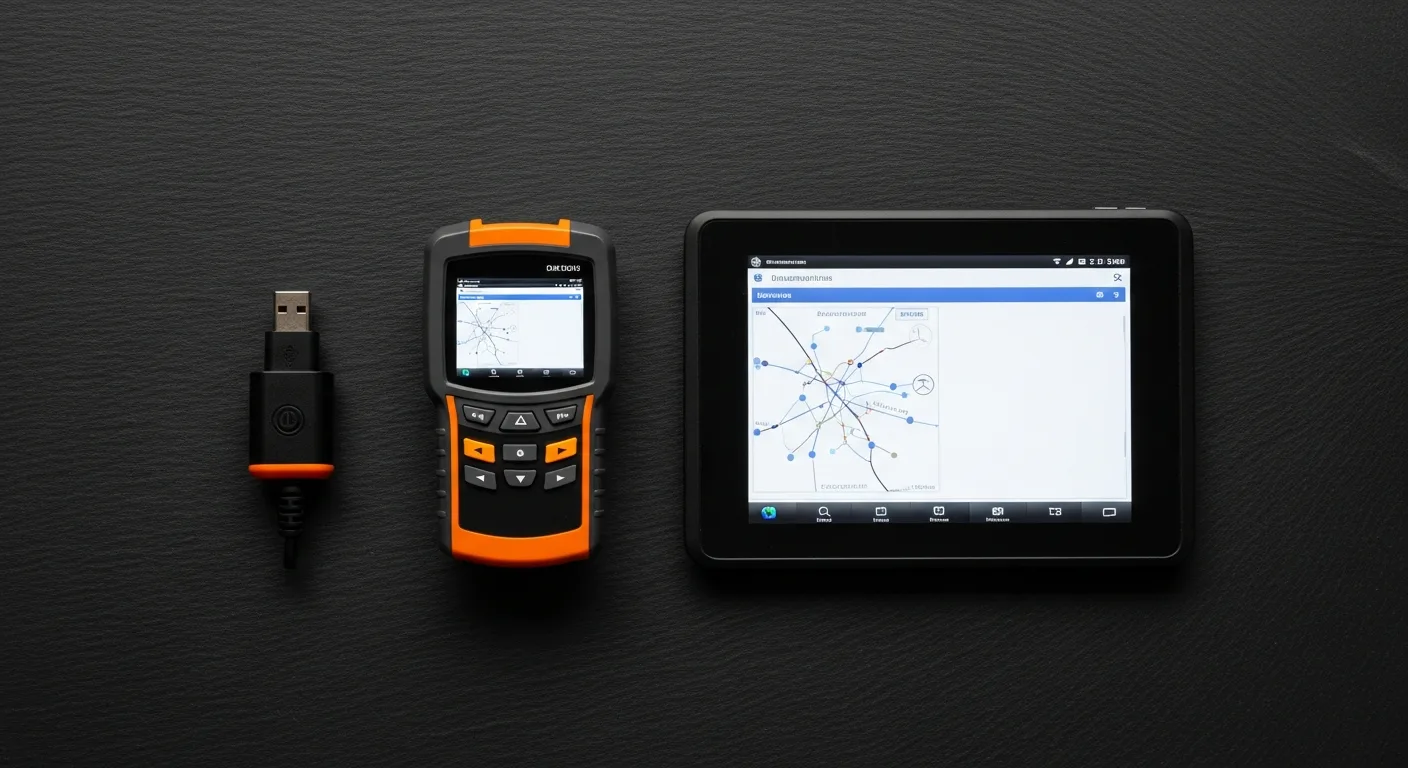
What Features Actually Matter — and Why
Protocol Coverage
All OBD2 scanners support the five mandated protocols (CAN, ISO 9141-2, KWP2000, PWM, VPW). Where they diverge is enhanced OEM protocols — the manufacturer-specific communication layers that unlock proprietary codes and live PIDs. Cheap tools only speak generic OBD2. Mid and pro tools speak the OEM dialect.
Live Data PID Count
A generic OBD2 connection gives you around 40–60 standardised PIDs. Enhanced connections for a Toyota or Honda can expose 200–400 PIDs — individual cylinder misfires, transmission slip rates, VVTI oil pressure, knock sensor voltage. More PIDs means more diagnostic resolution.
Bidirectional Control
Already covered above, but worth repeating: if you ever plan to do EPB-equipped rear brakes yourself, you need a bidirectional tool or a make-specific app. This is now a hard requirement on most vehicles built after 2015.
Update Cost and Model
This is where budget tools bite you. Some manufacturers charge annual subscription fees of $100–$200 for software updates. Others offer lifetime free updates. Check the update model before you buy — a "cheap" $200 tool with a $150/year subscription is expensive over five years. Autel typically charges for updates after the first year; Launch varies by model; Foxwell offers free lifetime updates on most of their range at time of writing — verify this hasn't changed before purchasing.
ABS and SRS Coverage
Standard OBD2 legislation only mandated engine and emissions coverage. ABS and airbag modules communicate over the same CAN bus but are not part of the generic OBD2 spec. Any scanner that claims "full system" coverage should list ABS, SRS/airbag, TCM (transmission), and body control module explicitly — not just "powertrain."
JDM and Asian-Make Compatibility — A Specific Note
If you're running a grey-import JDM vehicle — an R32 to R34 Skyline, an EK9 Type R, an AE86, a Soarer, a Galant VR-4 — the OBD2 landscape gets complicated fast.
Vehicles built for the Japanese domestic market before 2000 often use OBD1 protocols (Toyota's connector is a 17-pin DLC, Nissan uses a different pinout entirely). These are not compatible with standard OBD2 scanners without an adapter — and even then, generic OBD2 tools often can't communicate. You need either a make-specific legacy tool (Consult-II for older Nissans, Toyota's Tech Stream on a laptop) or a mid-range scanner with explicit pre-OBD2 coverage listed.
Post-2001 JDM vehicles (which were sold globally in large numbers) generally comply with OBD2 but may use the ISO 14230 (KWP2000) protocol rather than CAN. Verify your scanner supports all five protocols, not just CAN.
For modern JDM-sourced vehicles (post-2008 grey imports), the Launch CRP and Autel MK808 range consistently score well in the JDM community for Toyota, Honda, Nissan, Subaru, and Mitsubishi coverage. The Innova range is strong on US-market vehicles but historically weaker on Asian-spec variants — worth checking the compatibility database for your specific chassis.
Skill-Level Recommendation Matrix
| Your Situation | Recommended Tier | What to Look For |
|---|---|---|
| Daily driver, occasional check-engine light | Tier 1 — Basic Reader | Ancel AD310 or Autel AL319. Simple, reliable, done. |
| Weekend DIY — doing own services, brakes, sensors | Tier 2 — Mid Handheld | Launch CRP129E or Foxwell NT604 Elite. Live data + ABS is the minimum. |
| JDM import owner, post-2001 | Tier 2 — Mid Handheld | Prioritise Asian-make coverage. Launch CRP range, Autel AL619+. |
| Pre-OBD2 JDM (pre-2000) | Make-specific tool or adapter | Nissan Consult, Toyota OBD1 adapter. Generic OBD2 tools won't connect. |
| Advanced DIY — EPB brakes, ABS bleed, calibrations | Tier 3 — Bidirectional | Autel MK808, Foxwell NT809BT. Check update cost model first. |
| Enthusiast running multiple project cars | Tier 3 — Pro | Launch X431 V or Autel MK906 for breadth of coverage across makes. |
| Budget-first, smartphone-comfortable | Bluetooth dongle + app | See our budget Bluetooth OBD2 guide — strong value under $50. |
Bluetooth Phone-Based Alternatives
Before you rule them out on price grounds, Bluetooth OBD2 dongles paired with a quality app (Torque Pro, OBD Fusion, Carista for specific makes) do more than most people expect. A $20–$45 ELM327-compatible dongle with OBD Fusion on an iPhone gives you live data graphing, enhanced Toyota/Honda/Subaru codes on supported apps, and a permanent phone-mounted display. The limitation is bidirectional control — no app on a generic dongle can retract EPB pistons.
If your needs are diagnostic rather than active-test, the Bluetooth route is genuinely competitive and worth reading about before spending $150+ on a dedicated handheld.
How to Compare Specific Models
Once you've settled on a tier, the next step is side-by-side comparison of the specific units that fit your make, year, and budget. We've built a scanner comparison tool where you can filter by protocol, bidirectional capability, and OEM coverage. For deep dives on individual units, head to the individual scanner reviews — each one covers real-world testing, update cost, and JDM compatibility notes where relevant.
And if you want to understand what happens after you plug in — how to interpret codes, what freeze-frame data is telling you, and when a code is a red herring — the Reading OBD2 Codes hub covers all of that in plain language.
The Bottom Line
The best OBD2 scanner is the one that matches your actual job list — not the one with the most features you'll never use, and not the cheapest unit that'll leave you stranded at Tier 1 when you need live data. Buy one tier above where you are now, not one tier below where you want to be.
For most serious DIY mechanics working on post-2001 vehicles, a Tier 2 mid-range handheld with ABS/SRS coverage and live data is the correct entry point. Step up to bidirectional if you're doing your own EPB brakes or active testing. Step back to Bluetooth if your only need is reading and clearing codes on a budget.
Affiliate Disclosure
Some links on this page are affiliate links. If you buy through them we may earn a small commission at no extra cost to you. It never changes our verdicts — we only recommend gear we would run on our own cars. Read the full disclosure.